
Issue secure documents without a subscription
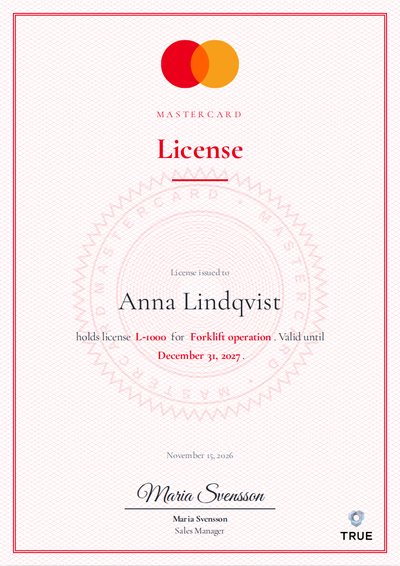
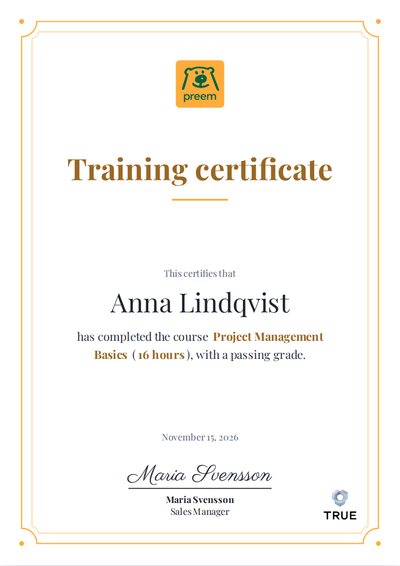
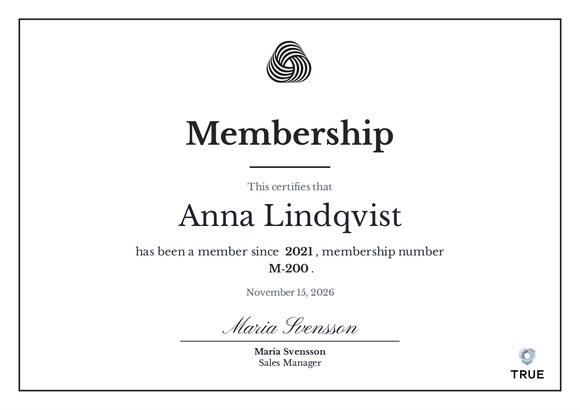
Send verifiable certificates, attestations, diplomas, memberships and licenses that cannot be lost, forged or destroyed.

















The benefits of secure digital documents
1What do you want to issue? Choose at no cost
Pick the closest match. We fill in a suggested text and fields, and you can change everything in the next step.
2Design the document Design at no cost
This is best done on a computer, for a clear overview.

DetailsBackground, pattern, watermark, text size and spacing
3Add recipients You pay only in step 5
Choose how many documents you want to send and paste your list straight from Excel. You do not need a file.
- Select the cells in your Excel sheet and copy (Ctrl+C or Cmd+C).
- Click the first cell under Name below and paste (Ctrl+V or Cmd+V).
- Columns beyond name and email become fields you can use on the document.
- Or load the list as a CSV file saved from Excel. It is read in your browser and never uploaded.
4Documents are sent by email
Every recipient gets their own email with their document. The email is sent from [email protected].

This is how the email looks for the recipient you are previewing.
5Happy? Pay and send right away!
This is what the document looks like. To change something, go back up. Nothing has been paid or sent yet.
Before you pay
Pay is activated when the Before you pay list above has no red line.
Questions and answers
What does a document cost?
3 EUR per document, excluding VAT. Every recipient in your list gets their own document, so the total is the number of recipients times 3 EUR, at most 500 recipients per order. There is no subscription. Choosing and designing cost nothing, and you pay only in step 5.
Can I pay by invoice?
Yes, when the total is over 100 EUR, which is from 34 documents. Choose Invoice in step 5 and give an invoice address. Nothing is sent until we have handled the order. Below that you pay by card and get a receipt by email.
How does a recipient get their document?
Every recipient gets their own email from [email protected], with your organization as the sender, the name you enter in step 5. The document opens with one click, and after accepting GDPR the recipient can also download a PDF to print.
How can anyone check that a document is genuine?
The digital document is verified through its link. On the printed PDF, the QR code leads to the original document online, where anyone can verify that it is genuine.
Can I see the document before I pay?
Yes. In step 2 you can preview the document with names from your list, and step 5 shows it as the recipient gets it. Designing costs nothing, and nothing is paid or sent until you confirm in step 5.
Can I choose when the documents are sent?
Yes. In step 5, choose At a later time and pick a day and an hour, in Central European Time. The time can be up to 12 months ahead. You place the order now, and the documents are sent at that time. Otherwise they are sent right after payment.
What happens to the list I paste?
Each row becomes one document: the name and your other columns are printed on it, and the email address is only where it is sent. The list is kept with your order, so your receipt can show who has received their document. The list and the images are deleted 12 months after the documents are sent. A card order that is not paid within 48 hours expires, and its list and images are deleted. Until you order, your list stays in this browser tab.
I lost my receipt email. What now?
Sign in to My orders, at the top of the page, with the email you ordered with. We email you a sign-in link and a code, and My orders lists your orders with their receipts. The receipt shows who has received their document, and Use this design again lets you send more without starting over.